Updated Sources Reporter
Posts a pack of files containing only the source files fixed by linters
This folder can be unpacked to currently repository to apply automated fixes on the repository
Usage
Access GitHub action run
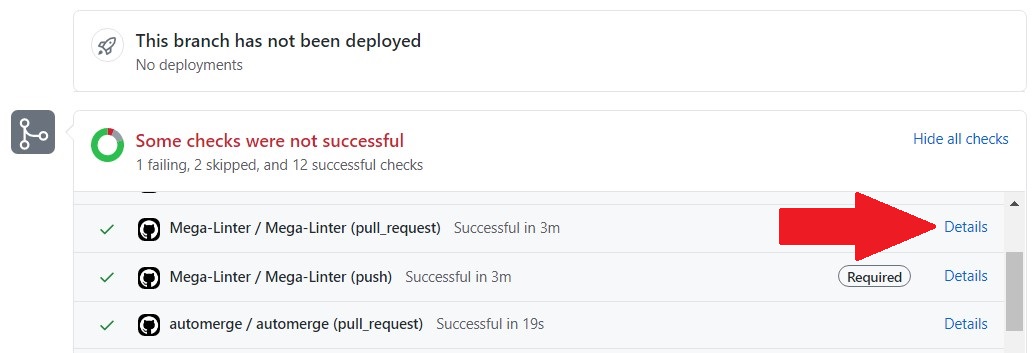
Click on Artifacts then click on MegaLinter reports
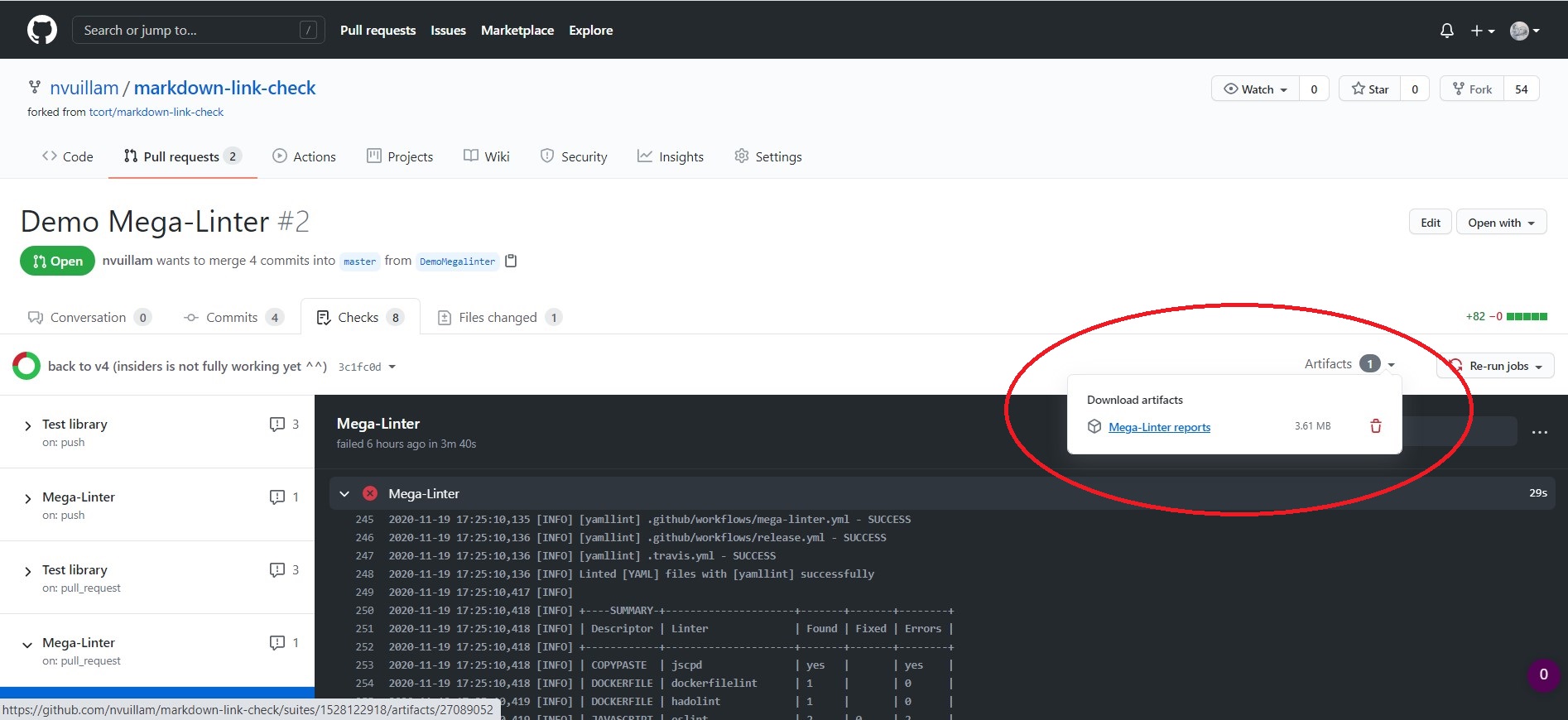
Open the downloaded zip file and copy the content of folder updated_sources
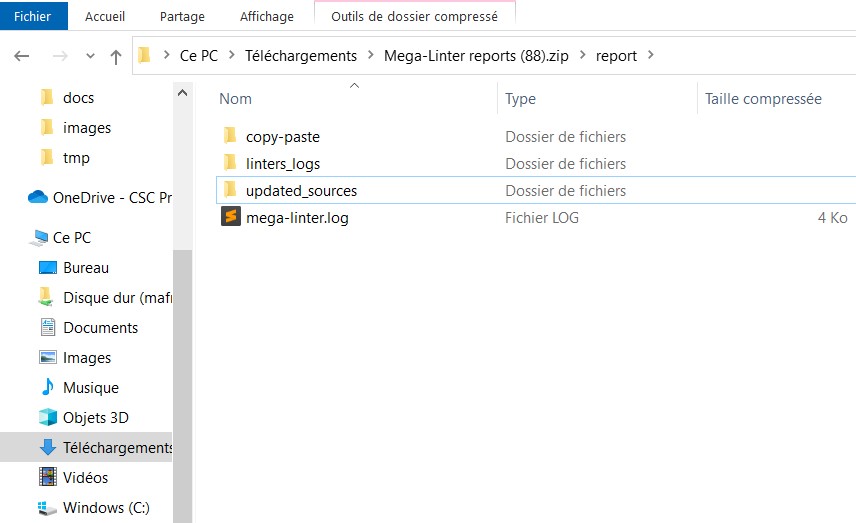
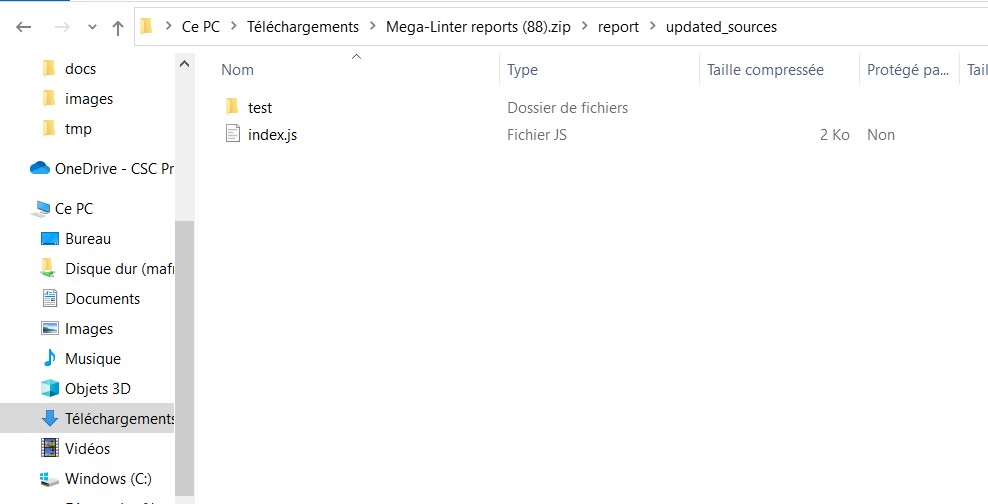
Paste the result in your repository
Other CI tools
If you aren't using GitHub Actions, you can:
- use File.io Reporter: Updated sources folder will be in the downloadable reports zip
- use Email Reporter: Updated source folder will be in the email attachment reports zip
- publish folder
<WORKSPACE>/report/updated_sourcesas artifact with your CI tool
Fail the run when fixes are applied
Set FAIL_IF_UPDATED_SOURCES to true to make the run fail when sources have been updated, so a developer commits the content of the updated_sources folder. The failure reason is shown in the console and in the reports, and the option takes precedence over DISABLE_ERRORS. See Apply fixes.
Empty updated sources folder
The folder is empty when MegaLinter can not list the files updated by the linters. This happens on a read-only workspace whose repository uses git-lfs: the LFS filter has nowhere to write its temporary files, so the git diff used to detect updated files fails.
MegaLinter logs a warning naming the workspace and the failed command, then completes the run. Mount .git as writable to get the updated sources back.
Configuration
| Variable | Description | Default value |
|---|---|---|
| UPDATED_SOURCES_REPORTER | Activates/deactivates reporter | true |
| UPDATED_SOURCES_REPORTER_DIR | Sub-folder of reports folder containing updated sources | updated_sources |